

Get in, Get out, Get back to the job!
The Fast Lane Web App is an offering from Stromquist & Company that allows you to skip the line, grab your order, and get back on the road in no time!
.png)
2
Receive your Code
Once enrolled we will e-mail you your secure access code.
3
Sign into Fast Lane
Go to stromquist.com/fastlane on your smartphone and enter your secure access code to sign in.
*While you are there, save the bookmark to your home screen for faster access in the future.
Features
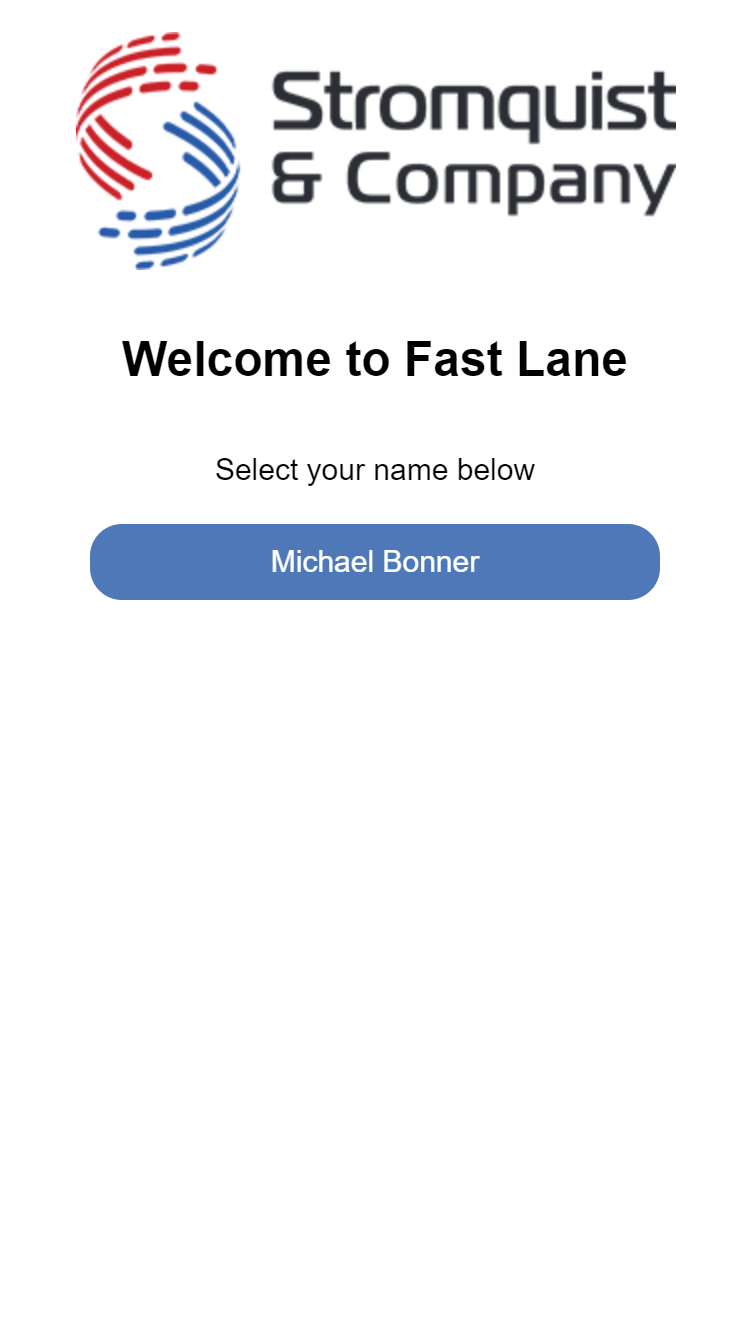
Your access code is saved as a cookie in your phone's browser to allow ease of use.
*Keep a record of your access code in case you clear your phones cache
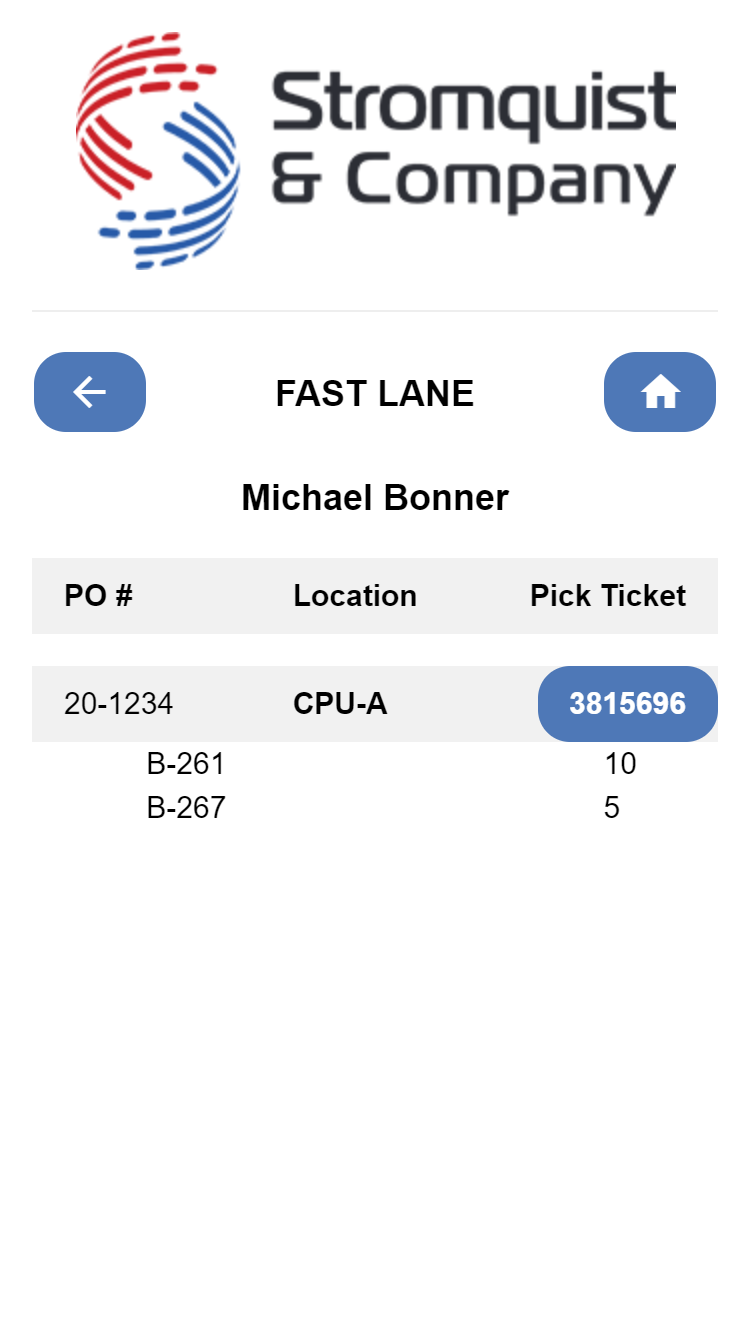
View a list of your companies open orders that have been designated to be picked up and choose the order that you would like to pickup.
.png)
View an easy to read line item breakdown of the order to verify that all of the parts are there.
*Some sign up restrictions do apply.